How To Setup Your Account Area
Introduction
Follow this information to create your account area.
Step 1: Create The Navigation Area
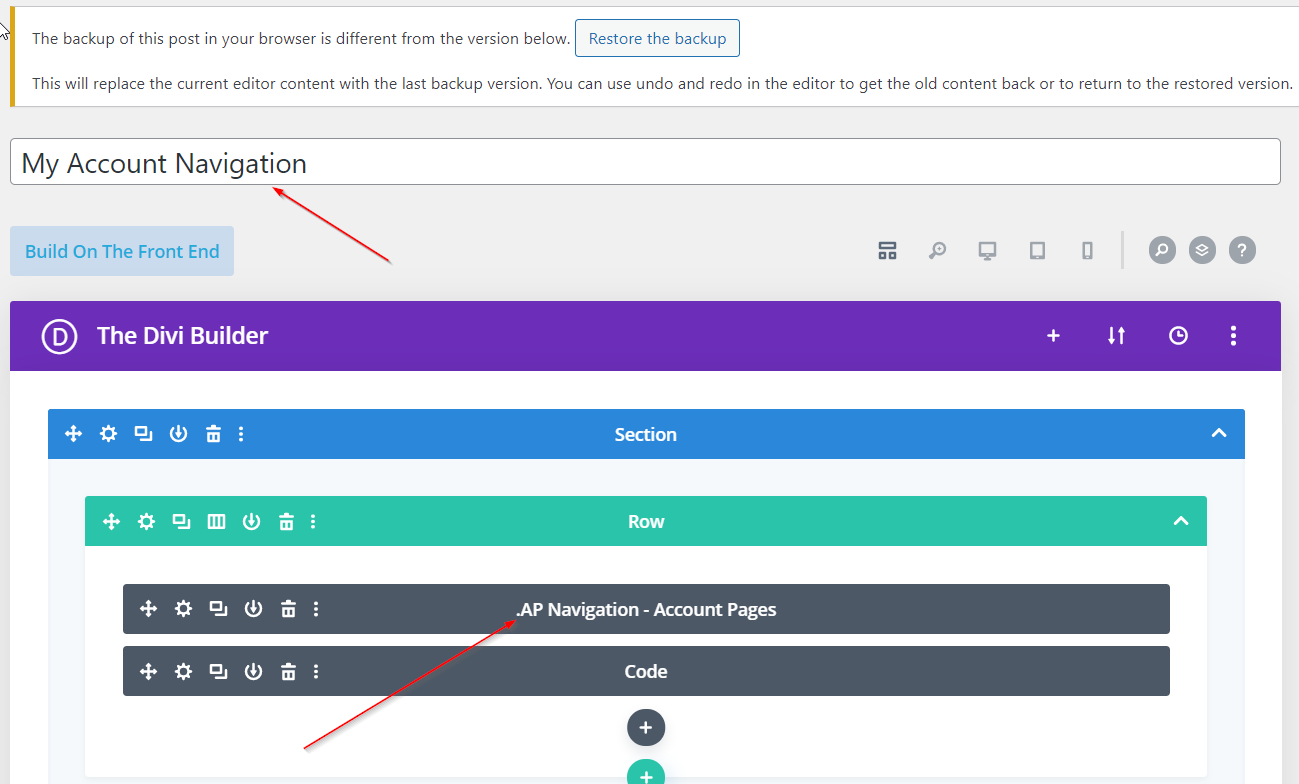
Create the Account Navigation Layout in the Divi Library by adding the AP Navigation module.
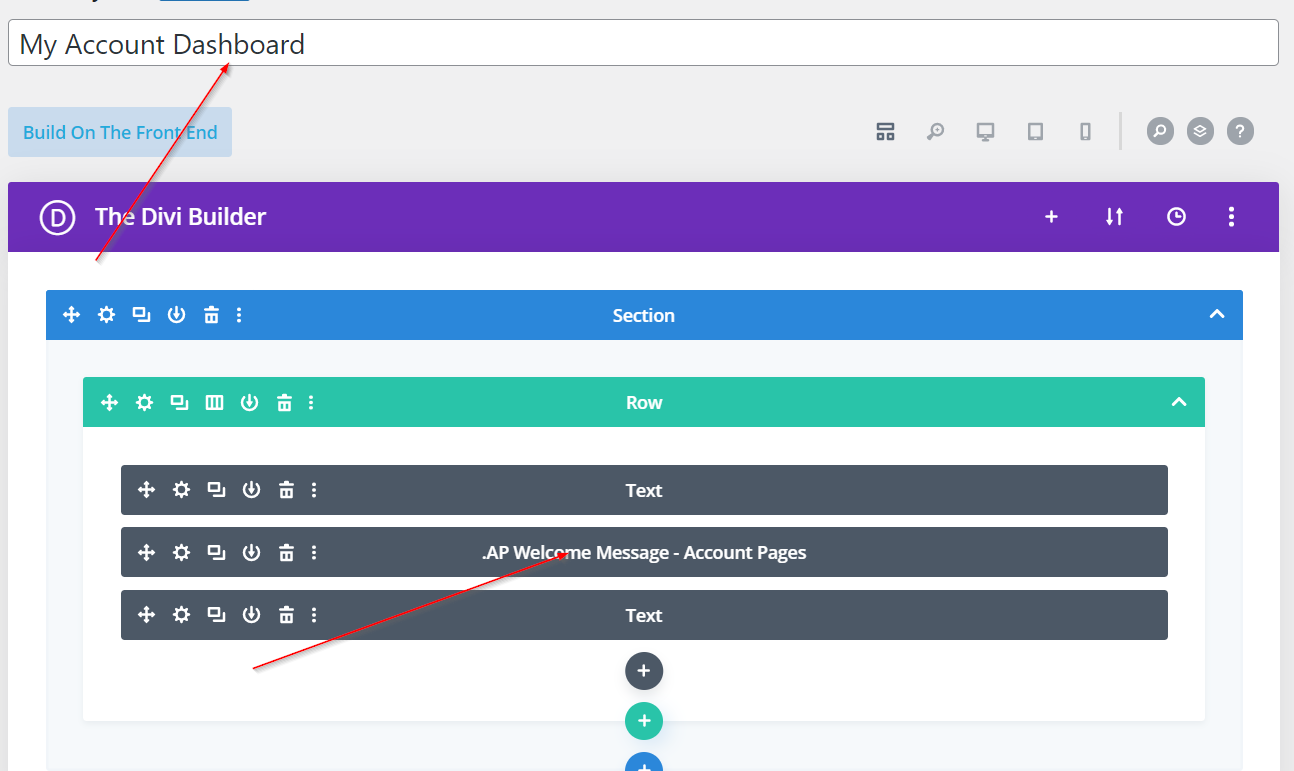
Step 2: Create The Dashboard Area
Create the Account Dashboard Layout in the Divi Library by adding any content that you would like your customer to see when they first log in. An example is the AP WELCOME MESSAGE.
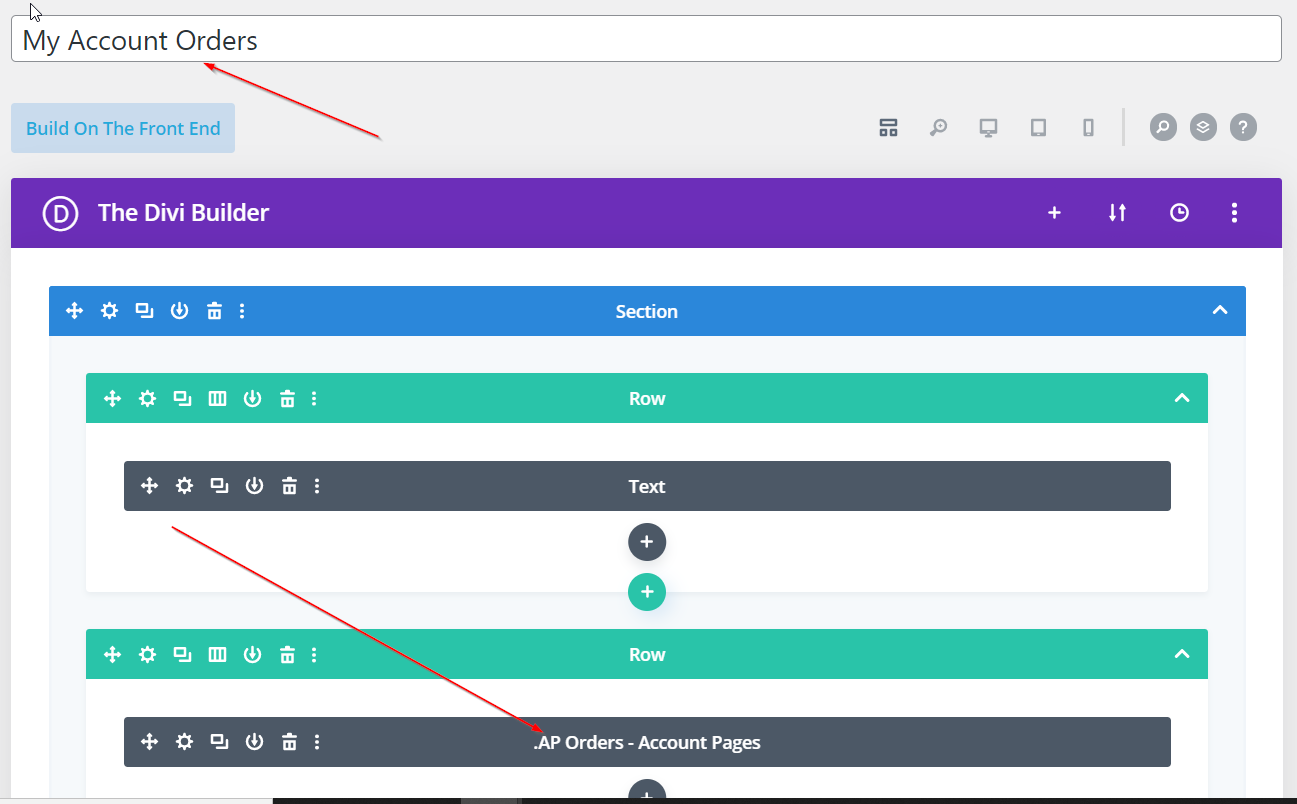
Step 3: Create The Orders Area
Create the Account Orders Layout in the Divi Library by adding the AP ORDERS module.
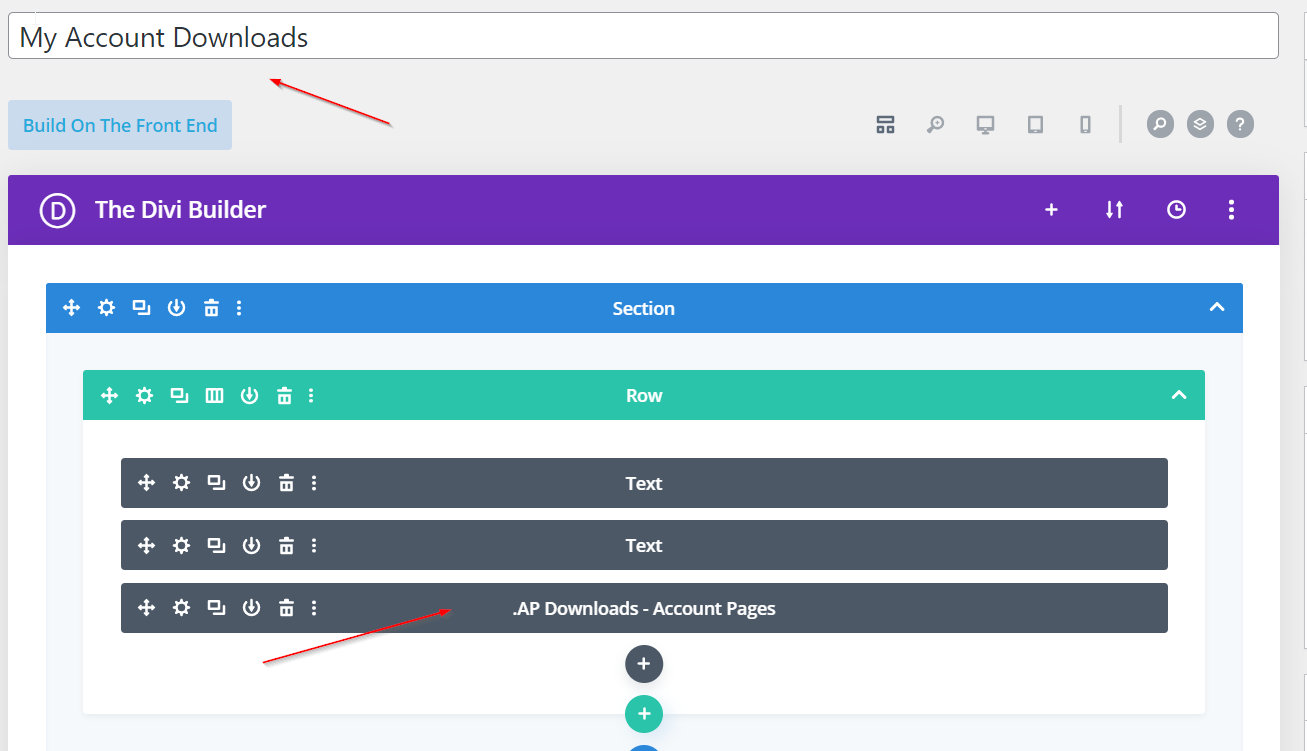
Step 4: Create The Downloads Area
Create an Account Downloads Layout (if you are selling downloadable products) in the Divi Library by adding the .AP Downloads module.
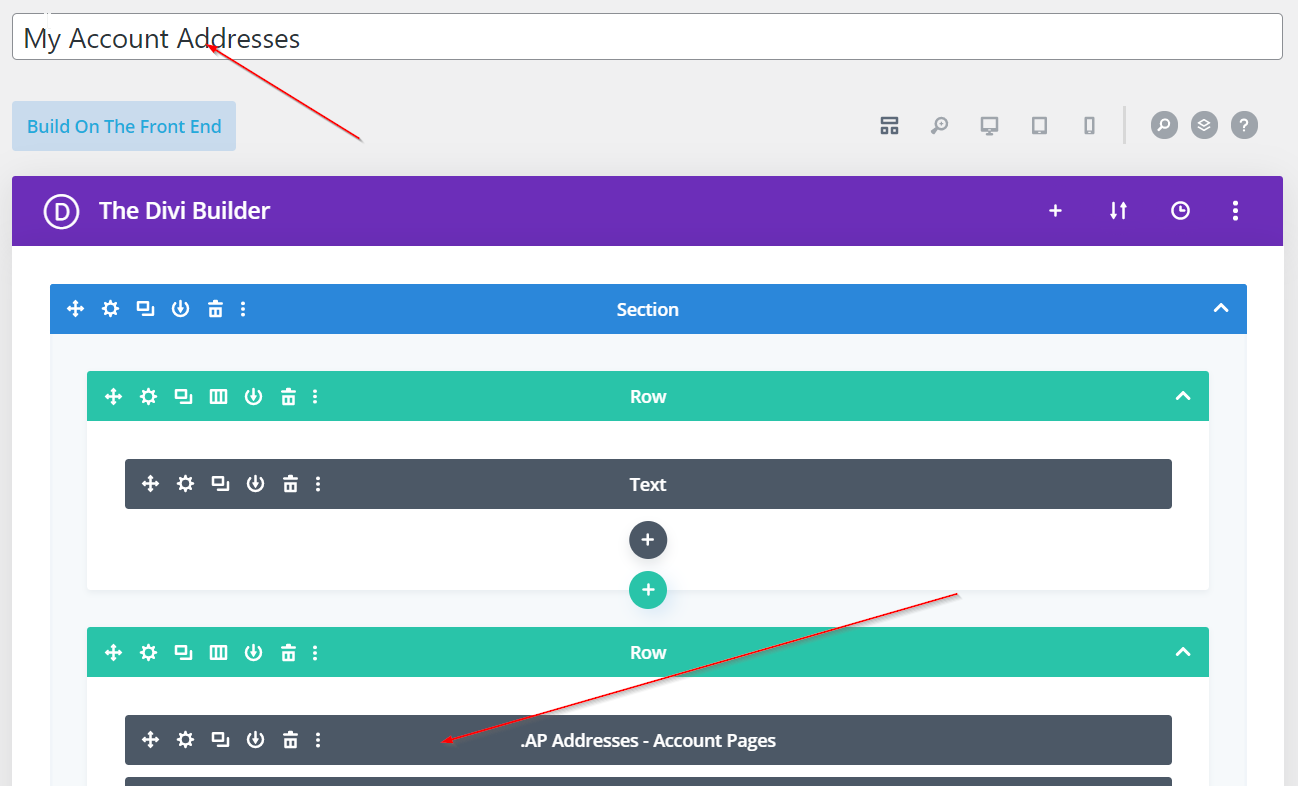
Step 5: Create The Addresses Area
Create the Account Addresses Layout in the Divi Library by adding the AP Addresses module.
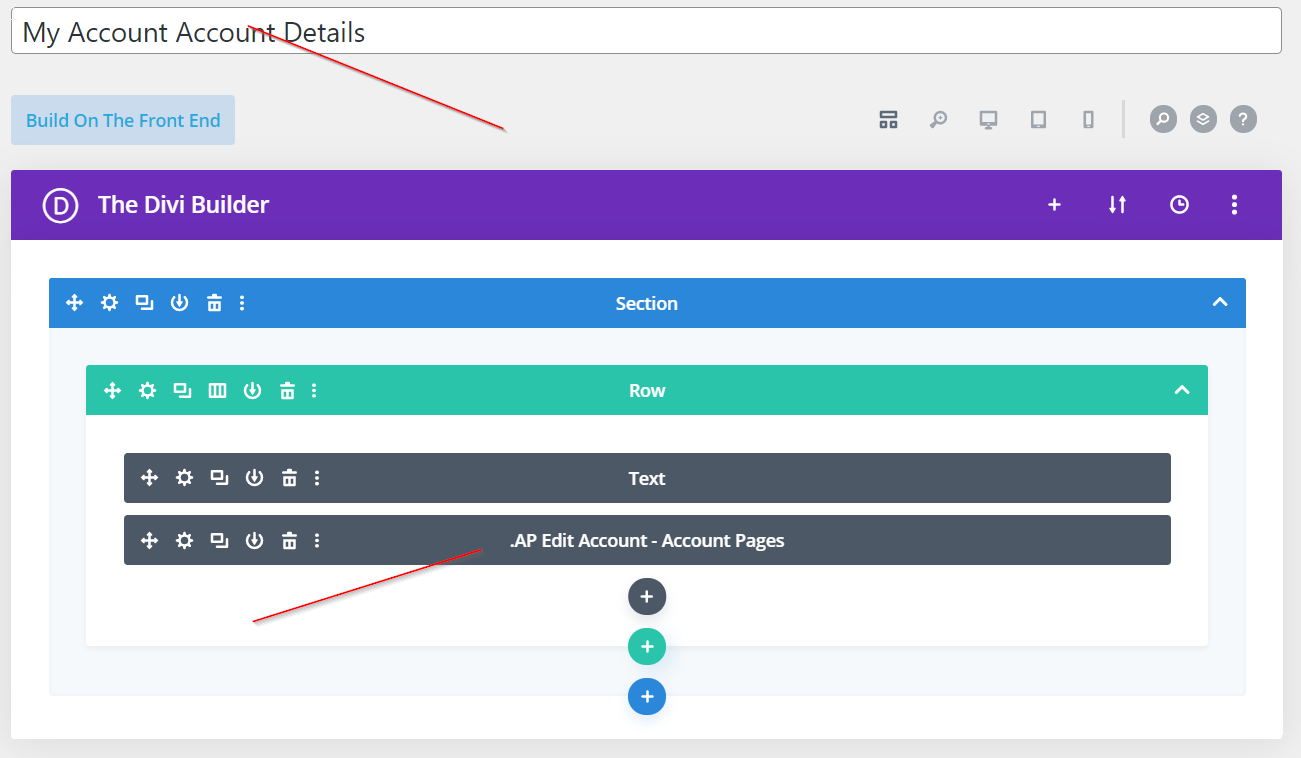
Step 6: Create The Details Area
Create the Account Details Layout in the Divi Library by adding the AP Edit Account module.
Step 7: Assign Each layout
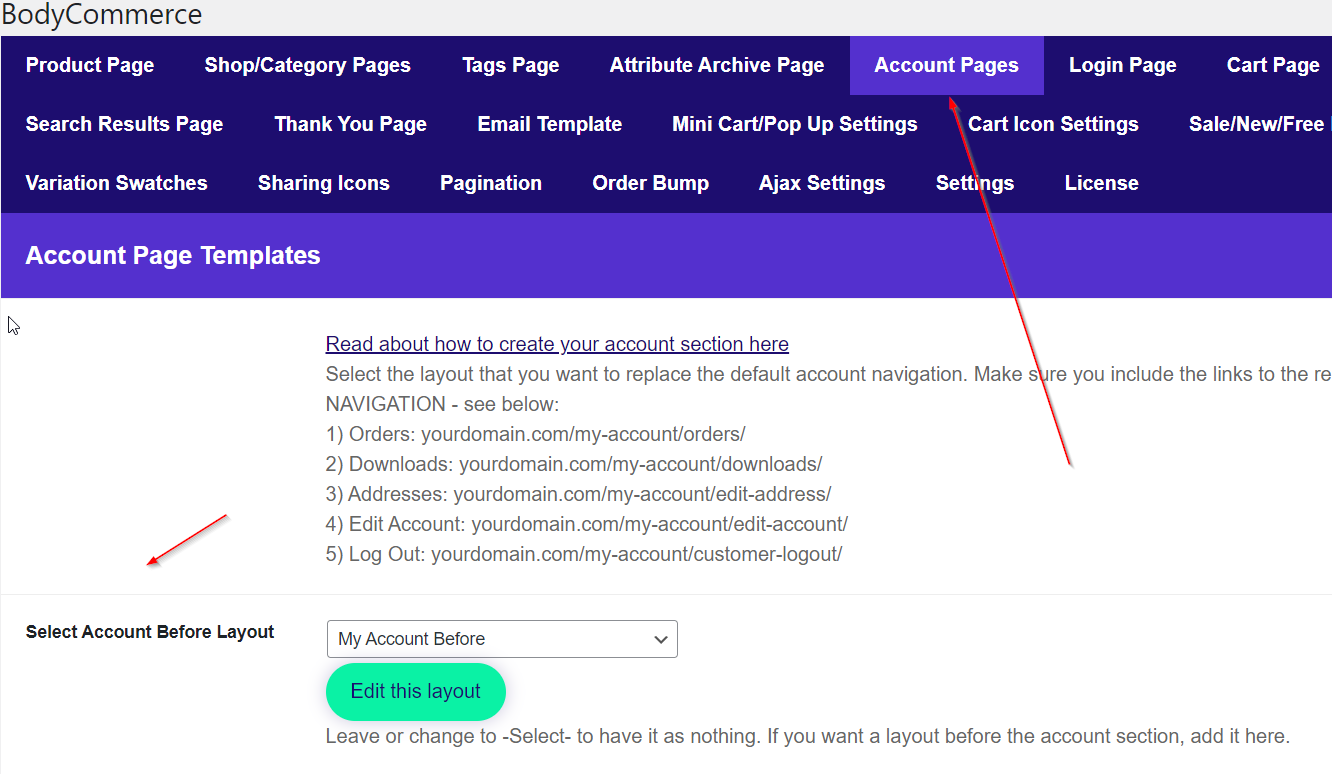
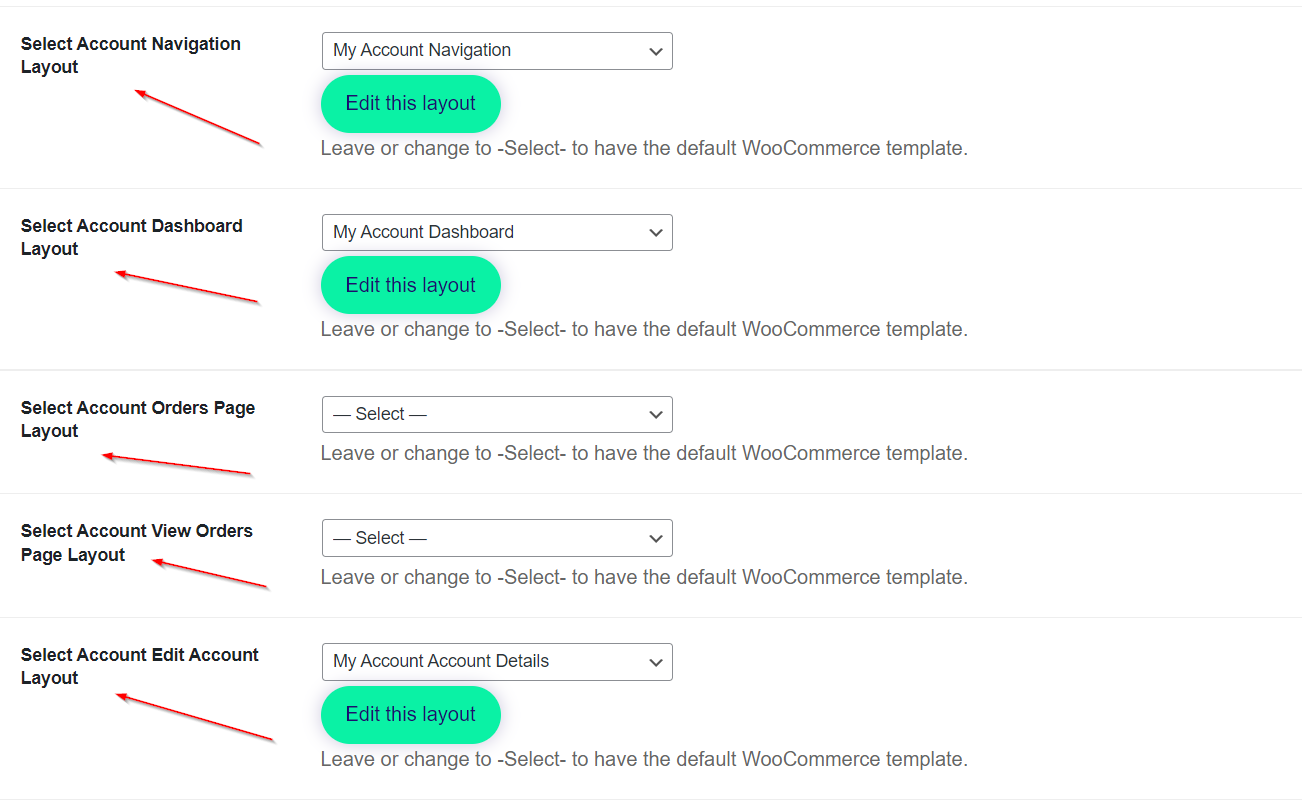
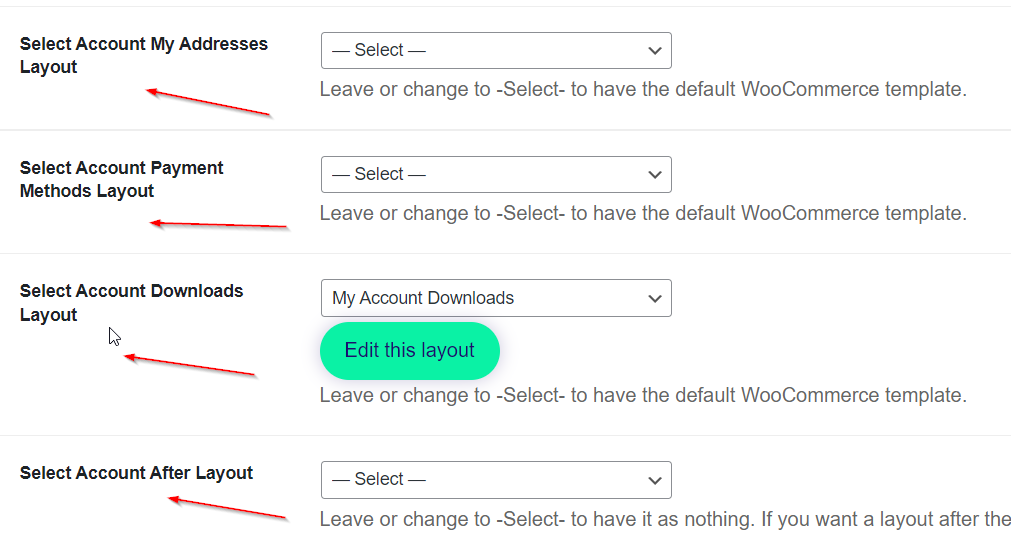
Go to BodyCommerce and assign your layouts to the Account Pages section. Now visit your account to see it all put together.