How To Build An Attributes Page?
Introduction
Follow this information to create an attributes page.
Step 1: Create Attributes
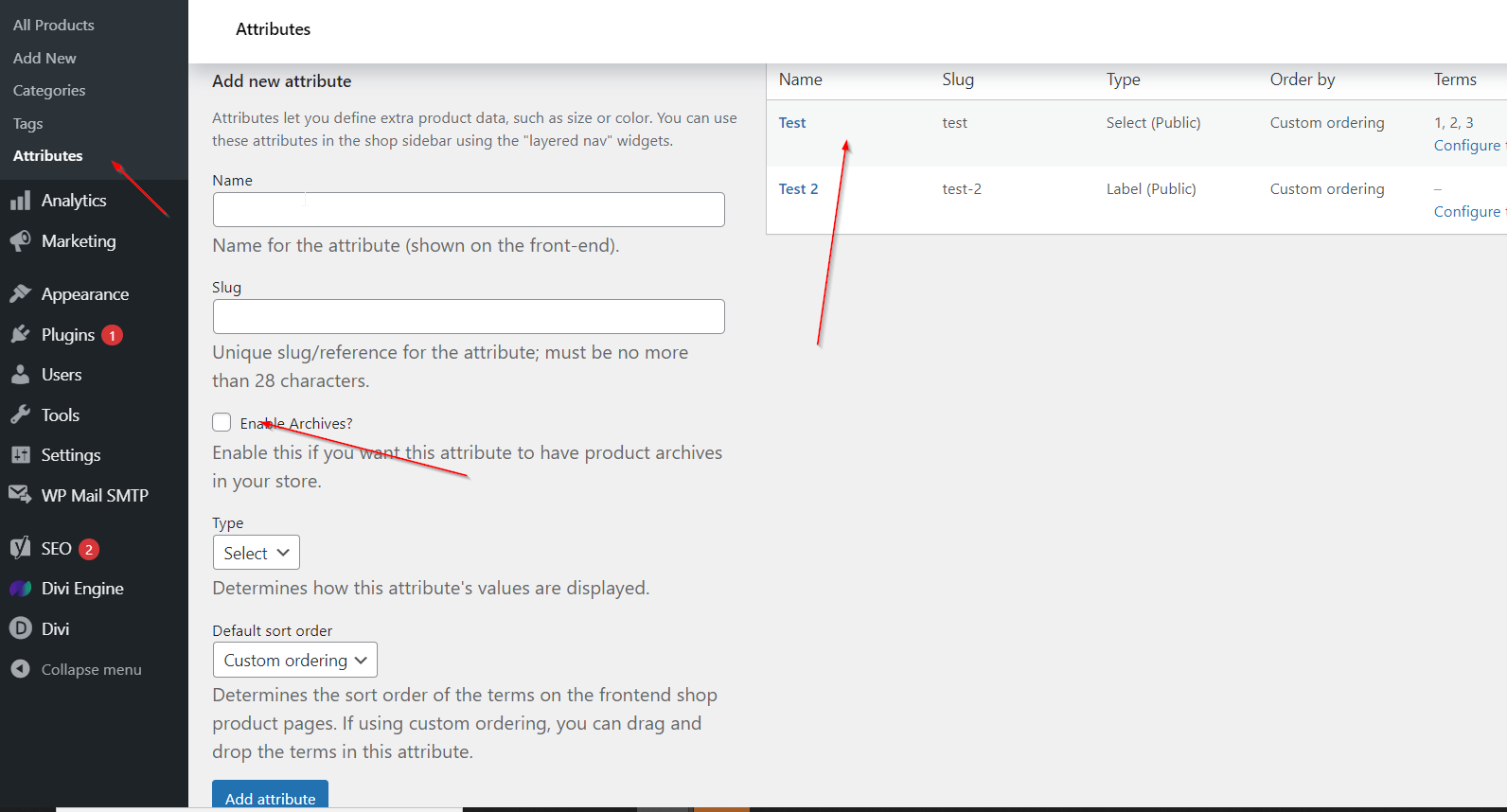
Go to Products > Attributes and create an attribute. Please make sure that you check the "Enable archives?" box. This will generate the archive page for your attributes.
Step 2: Assign Products
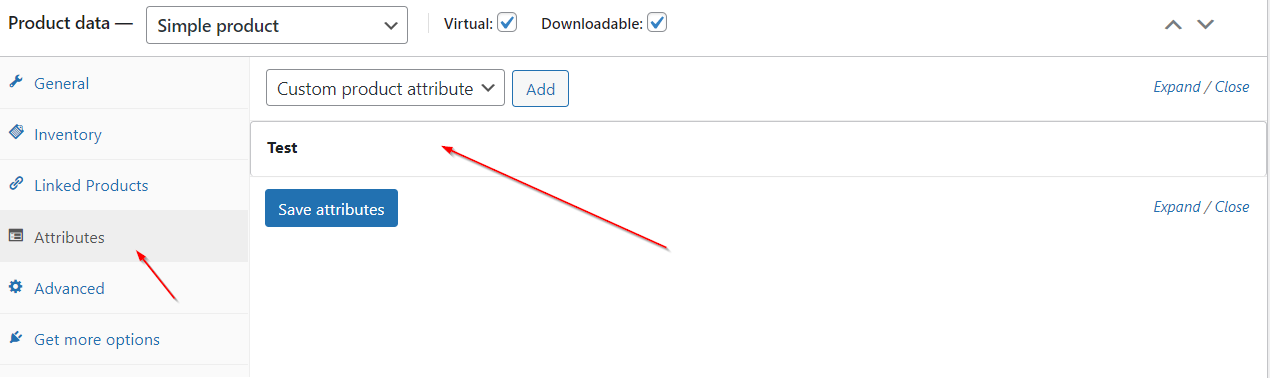
Go to your products and assign attributes.
Step 3: Create A Divi Library Layout
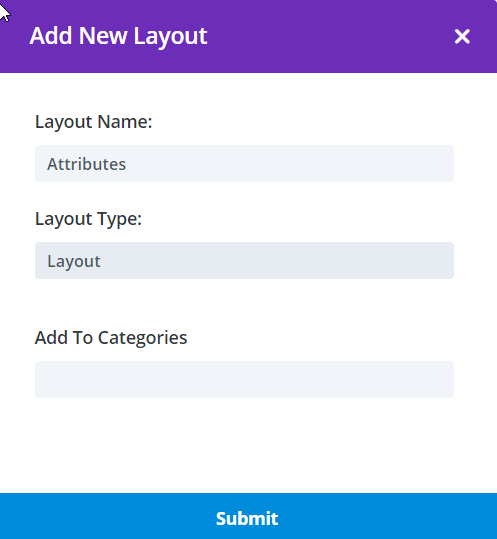
Make your way to the Divi Library and build an attributes page layout.
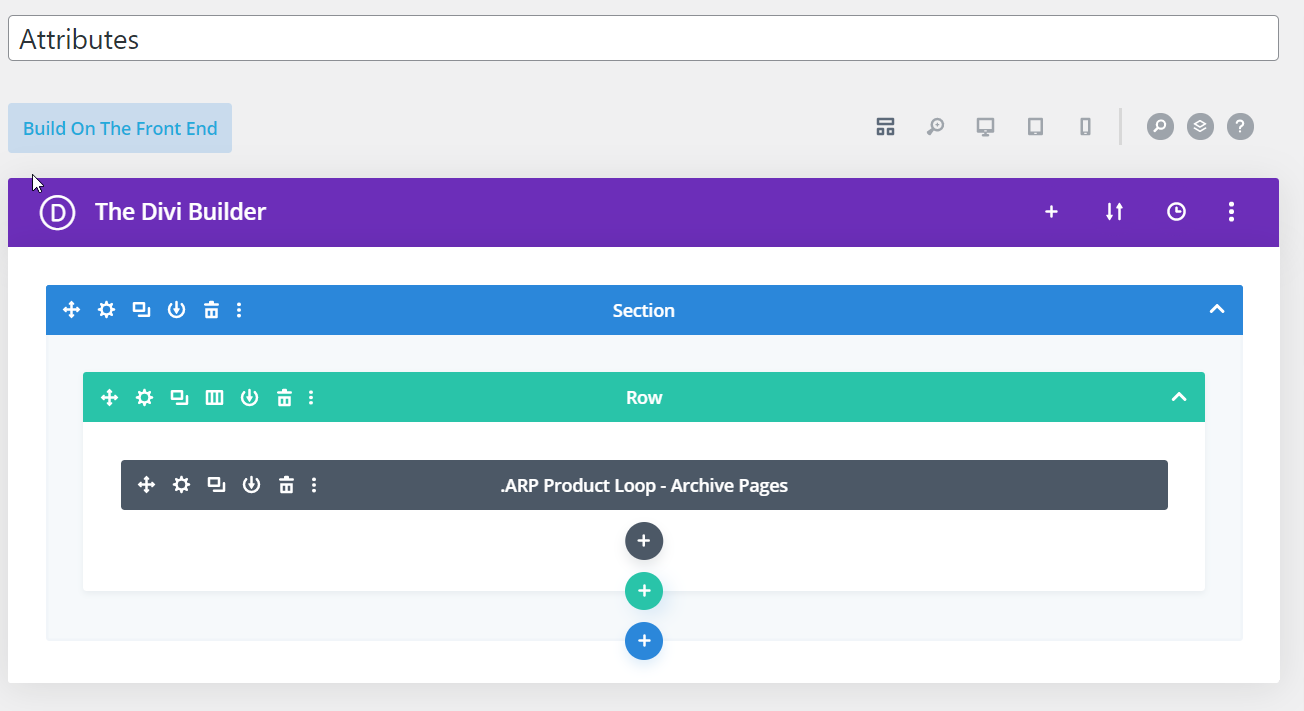
Step 4: Create & Assign A Layout
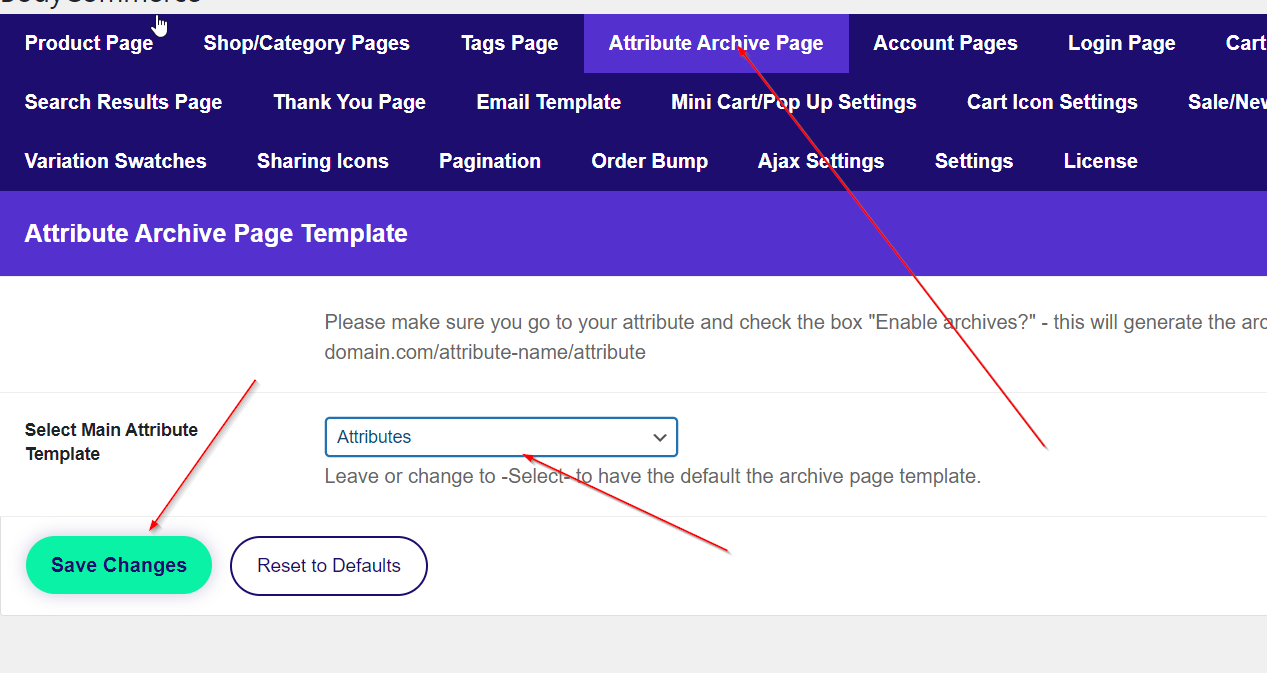
Assign this layout in BodyCommerce. After this go to your_domain_name/attribute_name/attribute