Step 12: Build The Cart & Empty Cart Pages
Watch This Video
Introduction
Follow this information to create a Cart page and an Empty Cart page.
Build Two Divi Layouts
Go to Divi > Divi Library and build two layouts.
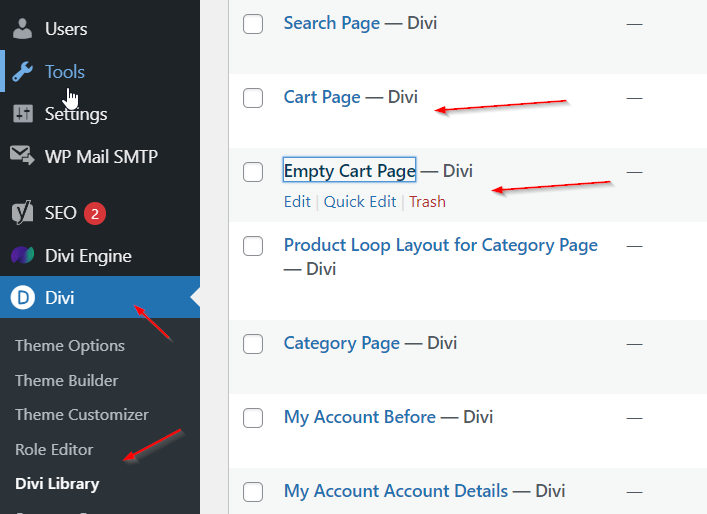
Cart Page
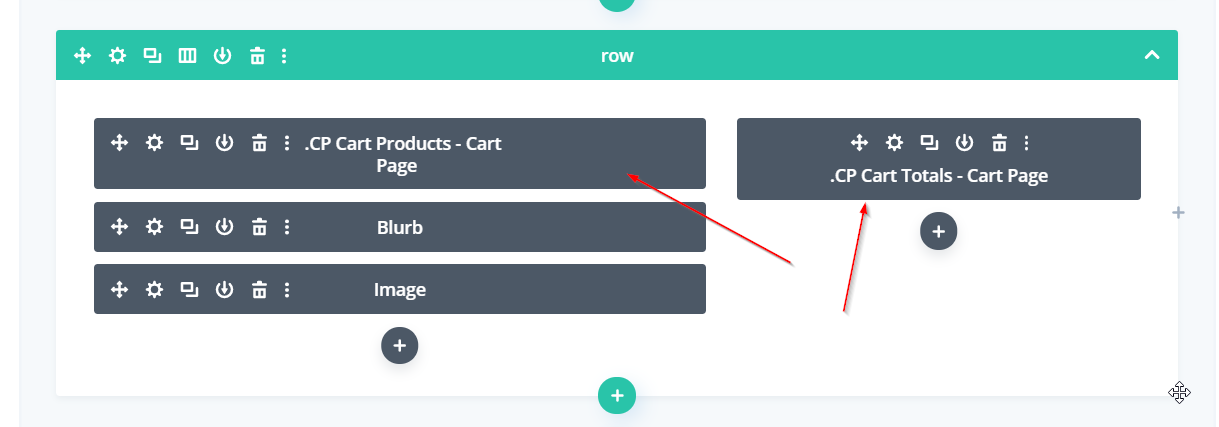
While there are many modules that you can add, start off by adding the Cart Products and Cart Totals modules.
Empty Cart Page
While there are many modules that you can add, start off by adding the Text module with a message.
Assign Your Layouts In BodyCommerce
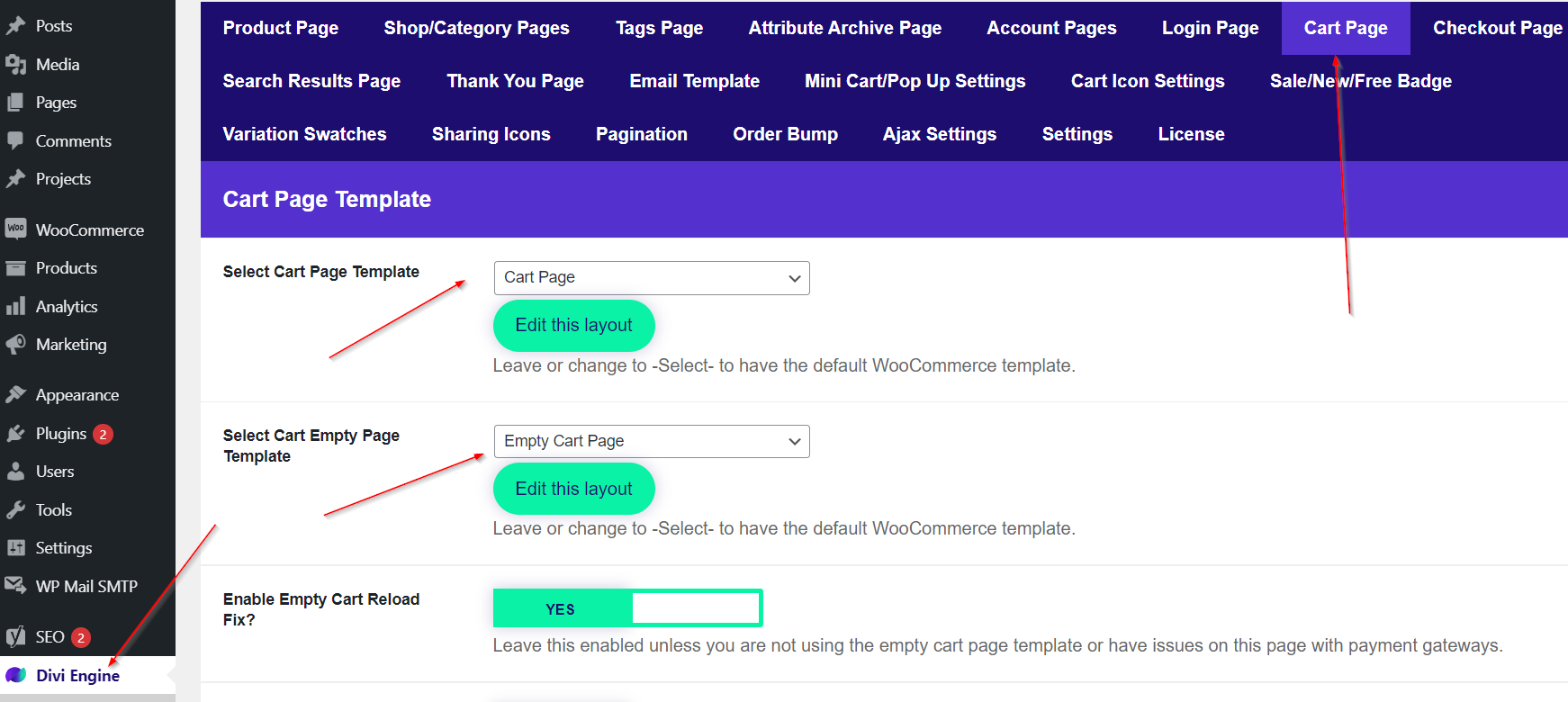
Go to Divi Engine > BodyCommerce > Cart Page and select your two layouts. To view your cart page view the /cart/ URL extension.