ARP OrderBy: How To Add And Style The Orderby Module?
Divi 5 equivalent
This how-to uses Divi 4 module names and screenshots. On Divi 5, see Order By.
Introduction
Follow these steps to learn how to use the Orderby module.
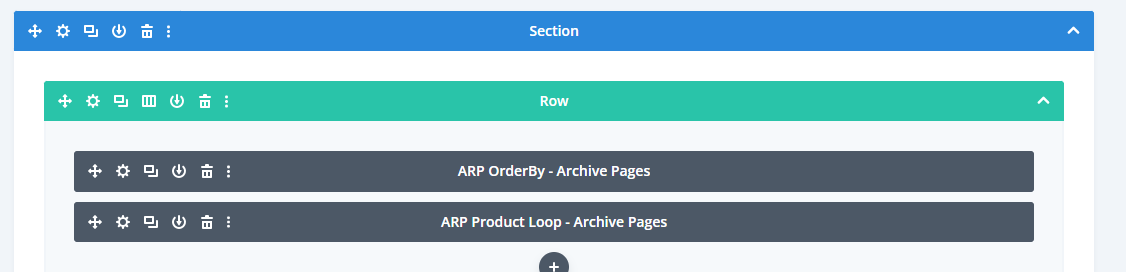
Step 1: Add Orderby & Product Loop
Make your way to the page of your choice and add the Orderby module and Product Loop module.
Step 2: Customize The Orderby Module
After adding the Orderby module you will need to add at least two Orderby Items. Please view the Orderby module settings below.
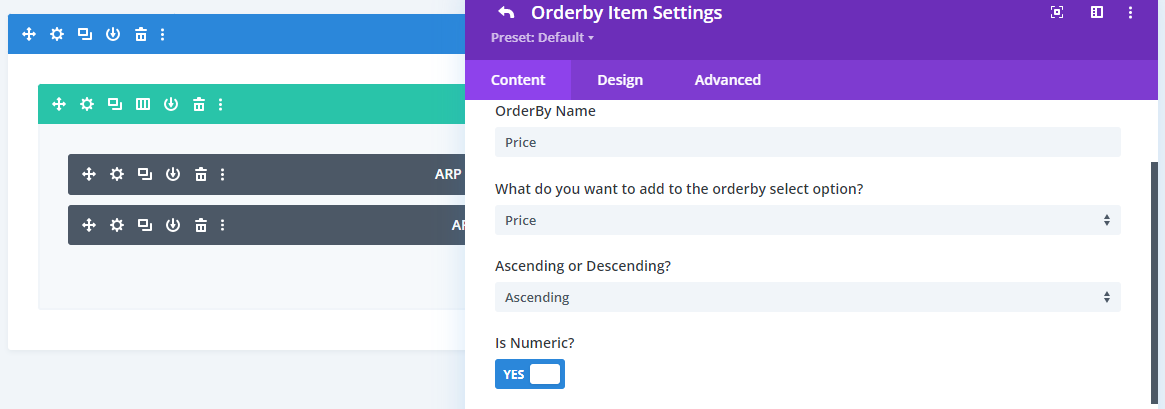
Orderby Module Settings
Main Settings Main Options
- Orderby Location: Select the position of the Orderby Module.
Orderby Item Main Options
- Orderby Name: Define the item name.
- What do you want to filter: Select relevance, popularity, rating, price and so on.
- ACF Name: Select the ACF field if you are filtering by ACF.
- Ascending or descending: Select whether you would like to ascend or descend.
- Is Numeric: Enable the button if your data is numeric.