PL Stock Status: How To Add & Style Product Stock Status?
Divi 5 equivalent
This how-to uses Divi 4 module names and screenshots. On Divi 5, use Stock Status.
Introduction
Follow this information to add and edit the Stock Status module. This module displays the stock status of the product. This module can be used on product pages and in the custom loop layout.
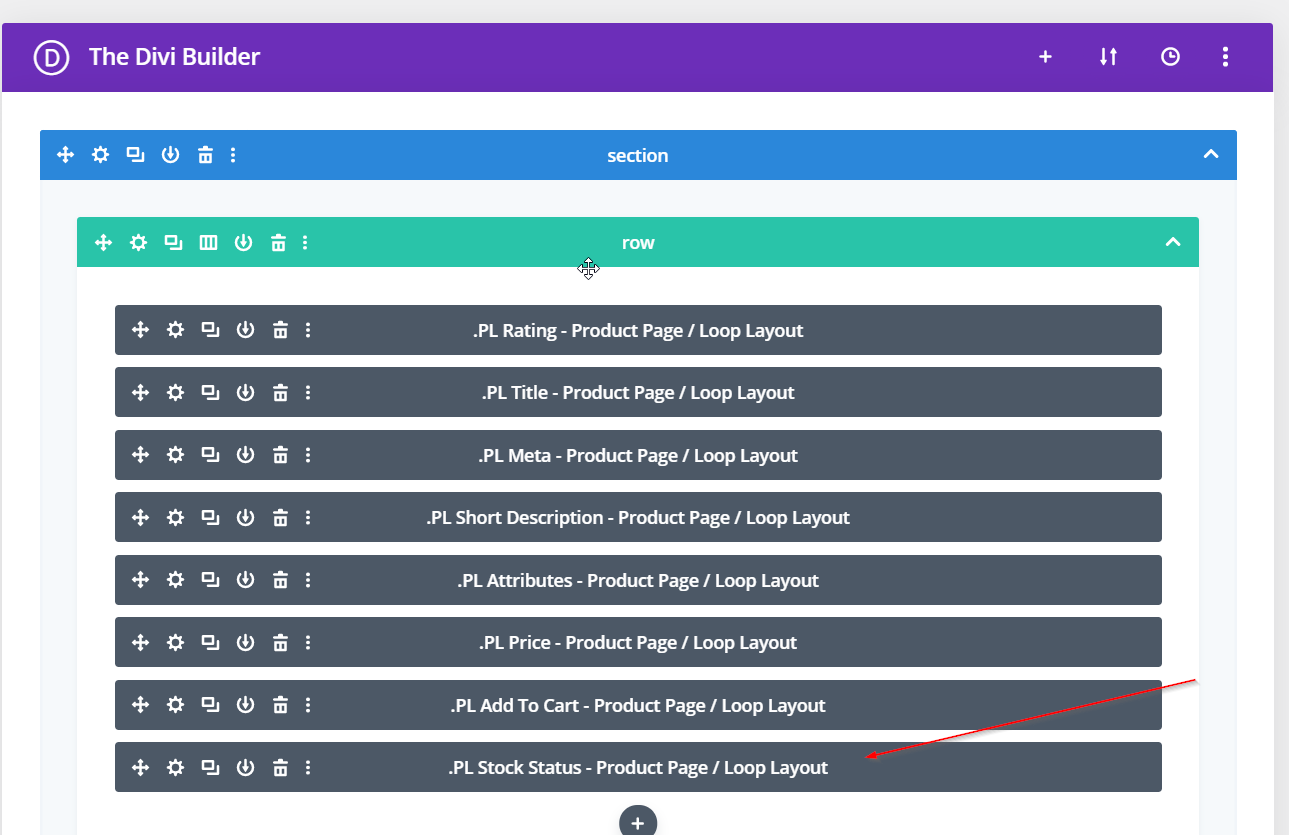
Step 1: Add PL Stock Status Module
Add the PL Stock Status module to a custom loop layout or product page built in the Divi Library.
Step 2: Assign The Layout
Assign the layout to the appropriate module (custom loop layout) or in BodyCommrece (product page).
Step 3: Edit The PL Stock Status Module
Edit the Stock Status module using the settings provided.