Add ACF Url To An ACF Image
Introduction
Follow these steps to add an ACF URL to an ACF Image.
Step 1: Create Two ACF Fields
Create an ACF URL field and ACF Image field in your Custom Fields section.

Step 2: Add Content To Your Posts
Head over to your posts and add URL and Image content.

Step 3: Add ACF Item Module
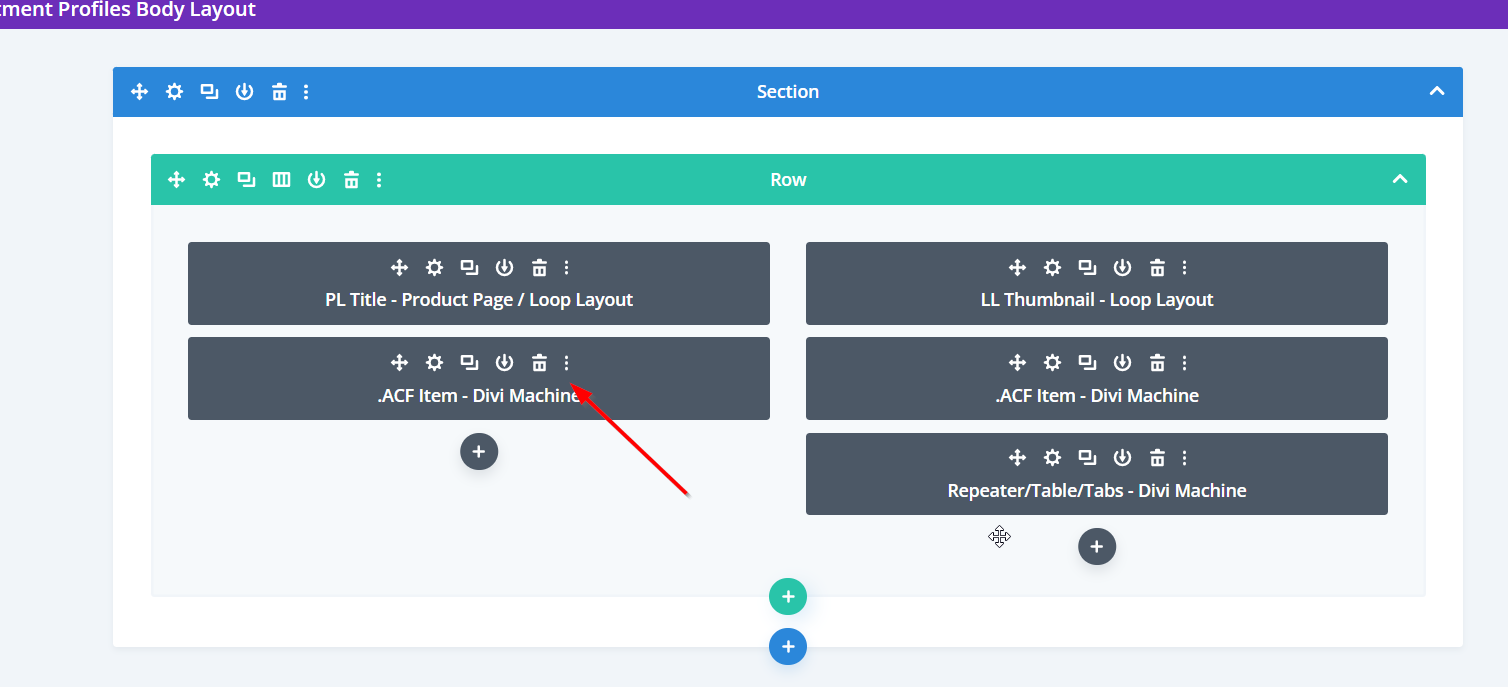
Add the ACF Item module to the single post template in the Divi Theme Builder and a Custom Loop Layout.
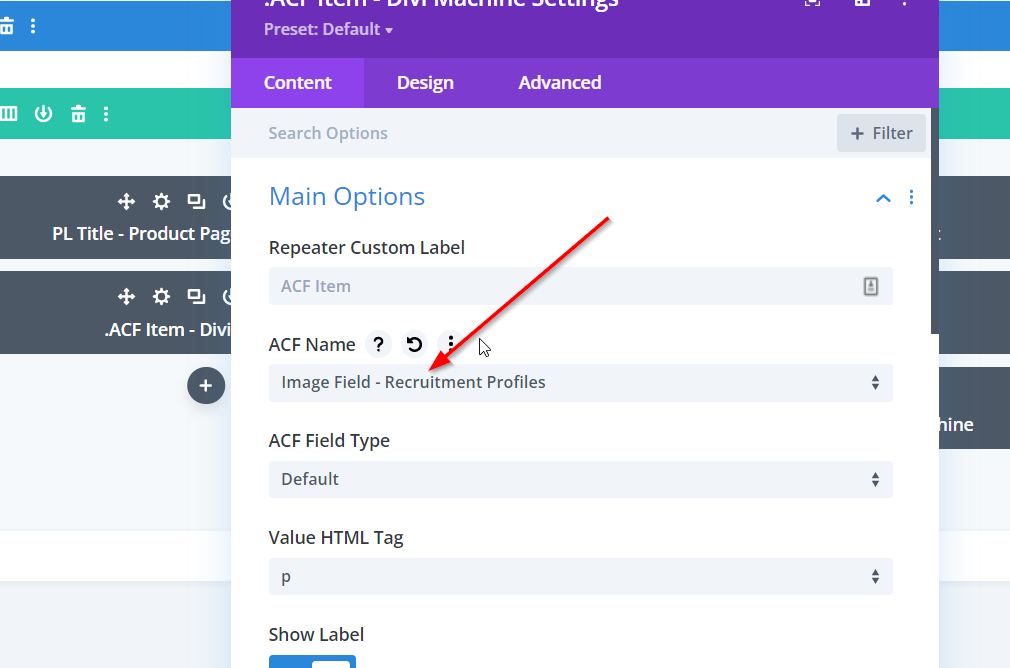
Step 4: Customize ACF Item Module - Image Field
Customize the ACF Item module by firstly assigning the IMAGE field in the Main options.
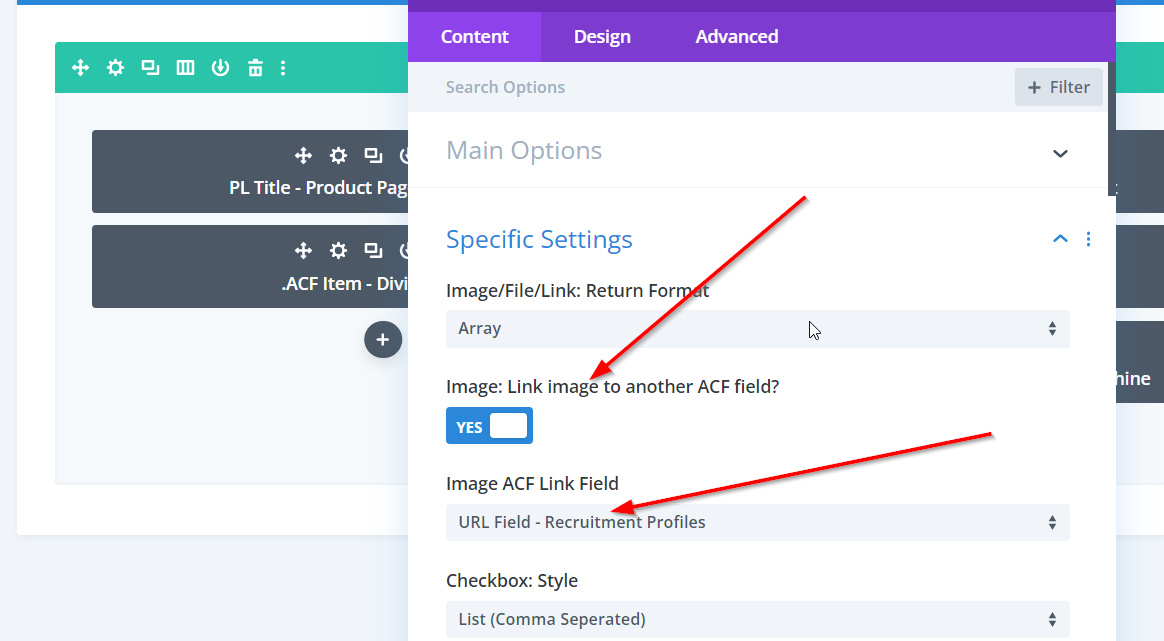
Step 5: Customize ACF Item Module - URL Field
After adding the IMAGE field in the Main Options, scroll down to the Specific Settings section, enable the Link Image button and then select the URL field from the dropdown.