How To Add Custom Fields To Post Type Categories?
Introduction
Follow these steps to add ACF fields to your Post Type categories.
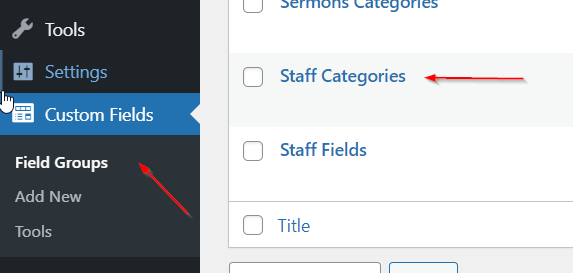
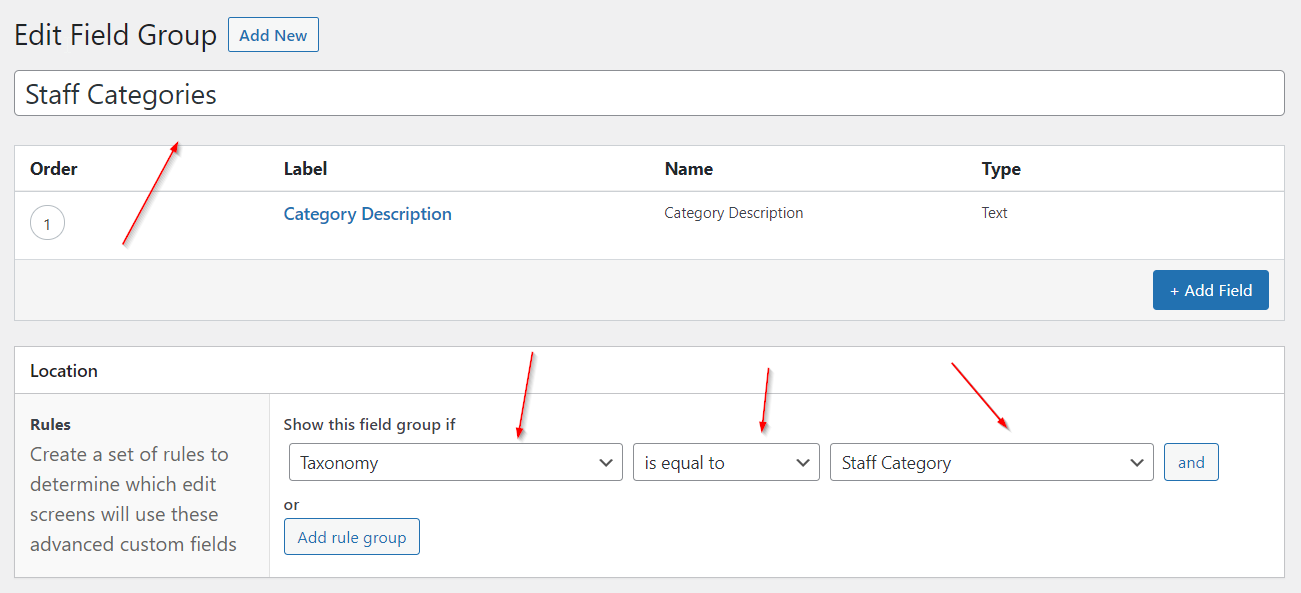
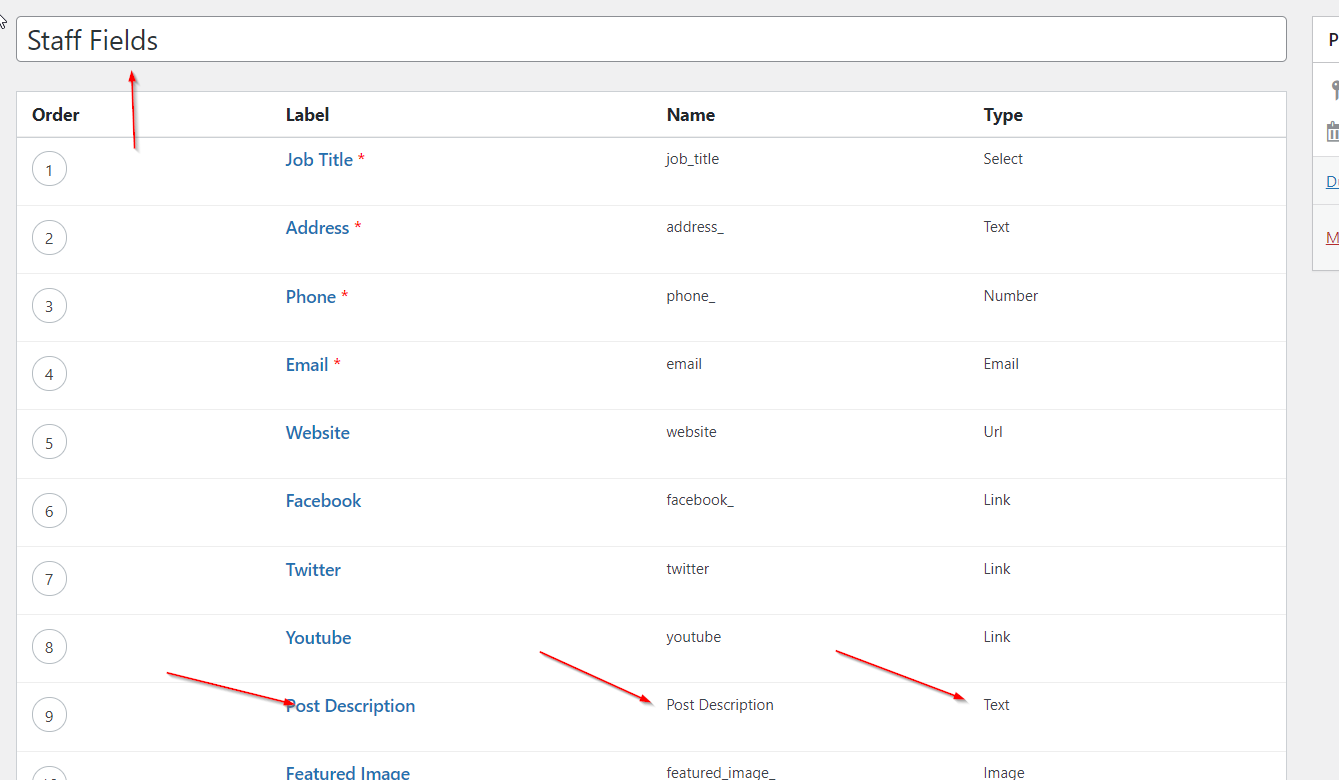
Step 1: Create A Post Type Category Field Group
Go to ACF and create a new ACF Field Group associated with one Post Type category.
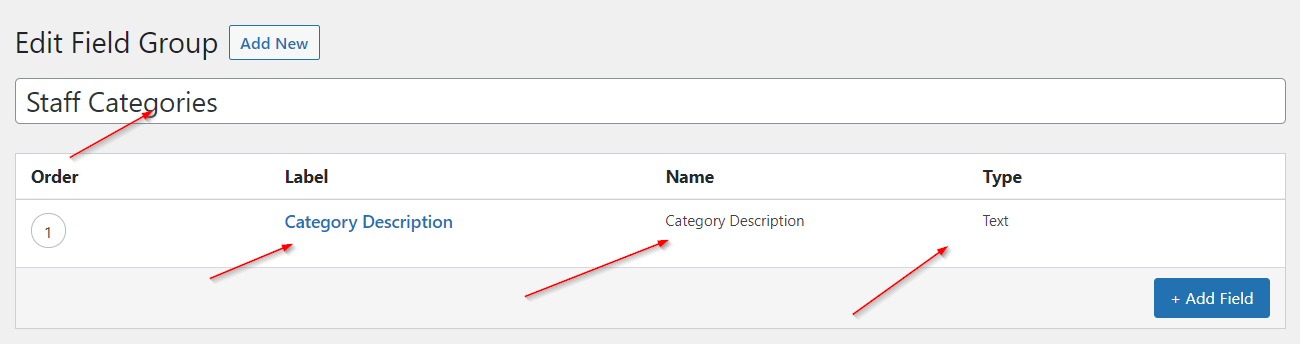
Step 2: Add ACF Fields
Add all the ACF fields to this Post Type category that you would like.
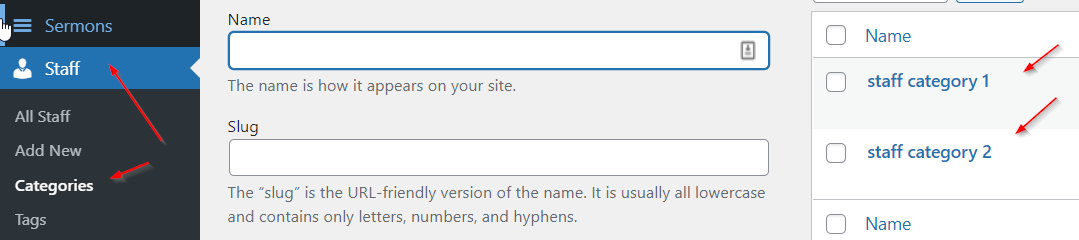
Step 3: Enter Category Specific Data
Make your way to your category and add data to your New Fields.
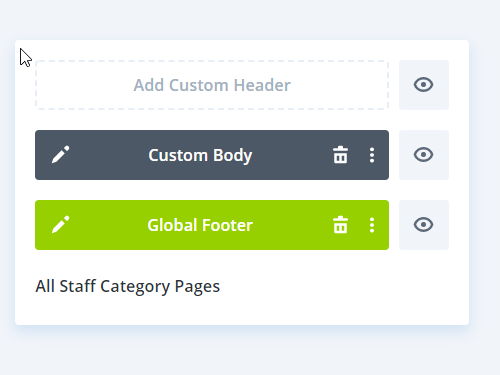
Step 4: Design A Template
In the Divi Theme builder design a layout for the category of the associated Post Type.
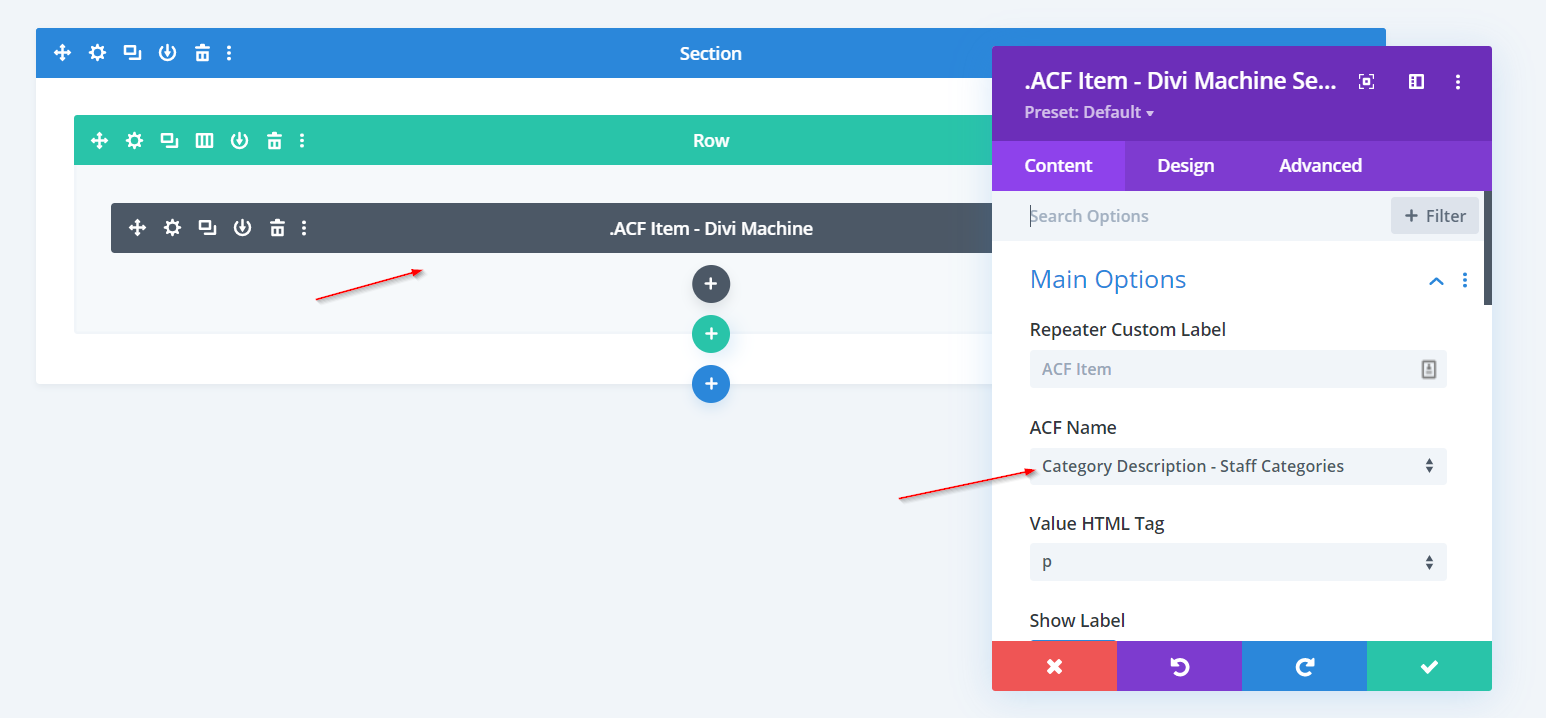
Step 5: Add ACF Item Module
Add the ACF Item module and select your ACF category.