Remove Post Content Padding
Introduction
Follow this information to learn how to remove unwanted space in the Post Content module.
The Problem
When using the Post Content module with the Divi Builder on the Post Editor section unwanted space is often generated. Below you can see an example of this problem - the extra space.
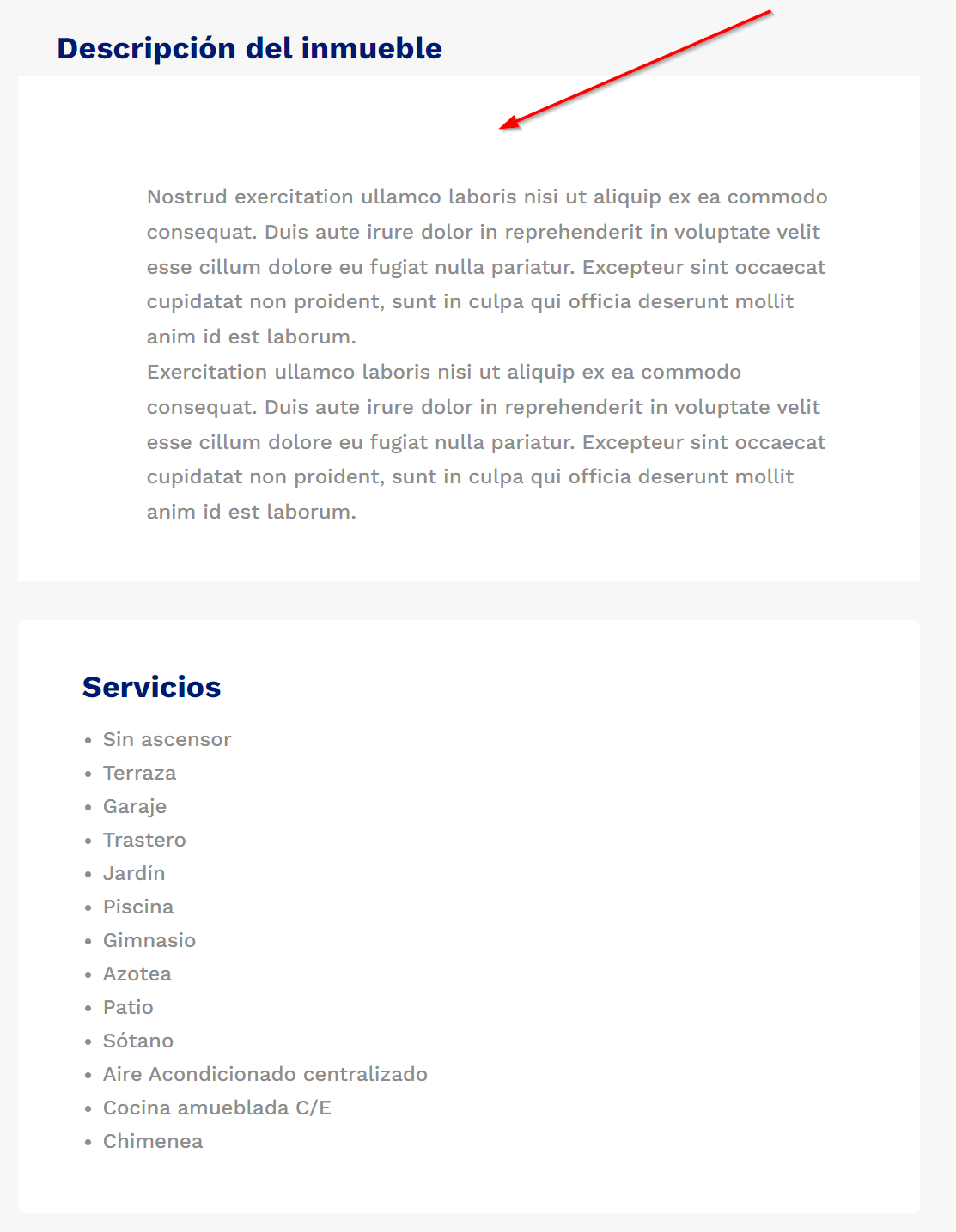
Solution 1: Remove Space Using The Divi Builder
When adding the post to the editor section, make these changes.
- Remove the Section padding.
- Remove the Row padding.
- Make the Row 100%.
Solution 2: Remove Space Using CSS
Alternatively, you can add this CSS to remove this automatically on all the posts. Add this to Divi > Theme Options > Custom CSS.
 #et-main-area .et_pb_de_mach_content .et_pb_section,
.et-db #et-boc #et-main-area .et-l .et_pb_de_mach_content .et_pb_section {
padding: 0 !important;
}
#et-main-area .et_pb_de_mach_content .et_pb_row,
.et-db #et-boc #et-main-area .et-l .et_pb_de_mach_content .et_pb_row {
padding: 0 !important;
width: 100% !important;
max-width: 100% !important;
}