How To Configure URLS When Using Divi Machine?
Introduction
Follow this information to configure your website URLs.
Read First
This document explains how to configure the URLs of your Divi Website when using Divi Machine. Remember to reset your permalinks after updating or publishing by clicking the save button twice found on the Settings > Permalinks page.
Default Post URL
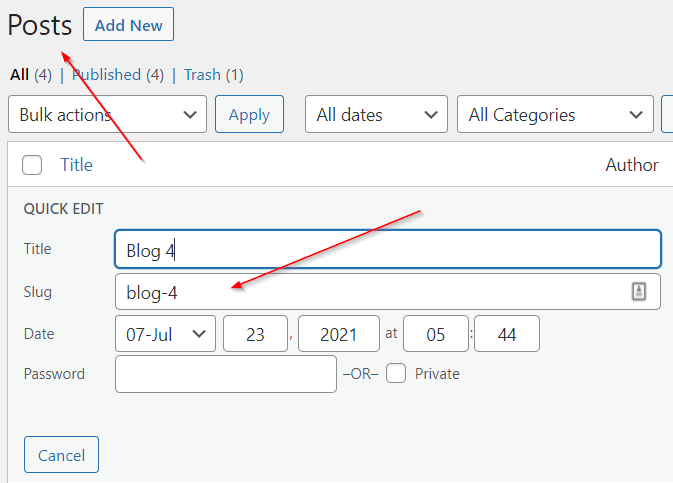
If you want to change the URL of your default Post then edit it from Posts > Post > Slug. The URL in my example will be the following: https://domain_name/blog-4/.
Default Page URL
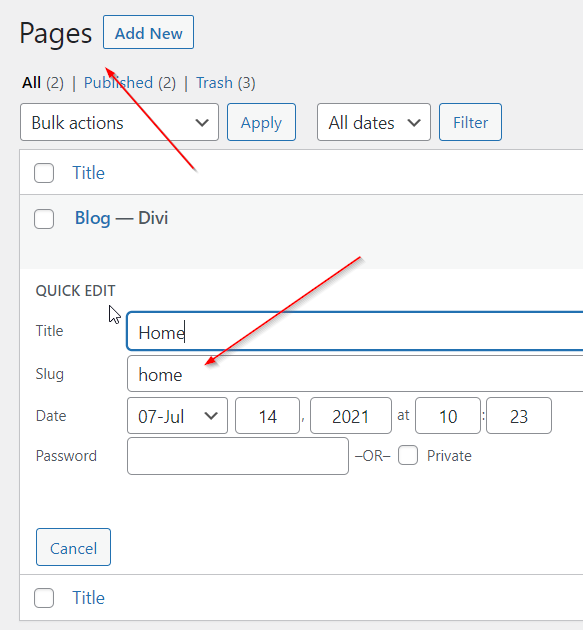
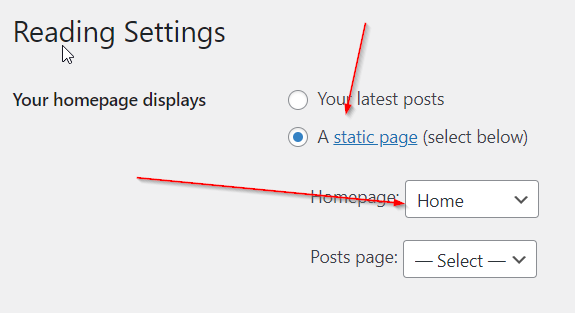
If you want to change the URL of your default Page then edit it from Pages > Page > Slug. The URL in my example will be the following: https://domain_name/home/ unless I change it to be the homepage in Settings > Reading.
Default Project URL
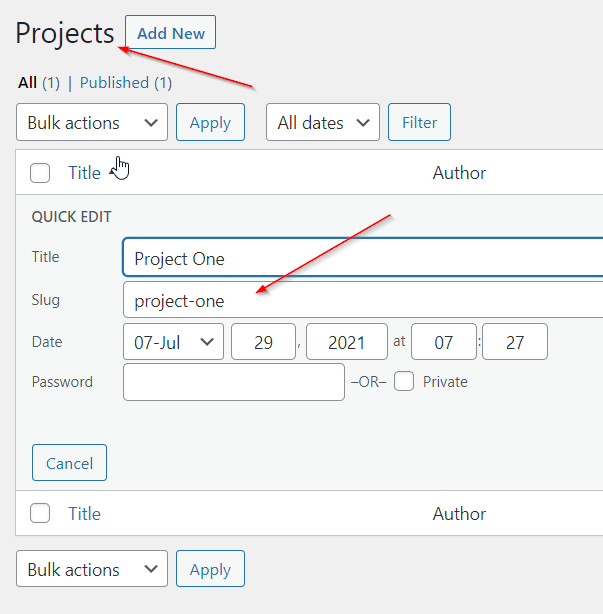
If you want to change the URL of your default Project then edit it from Project > Project > Slug. The URL in my example will be the following: https://domain_name/project/project-one/.
Custom Post Type URL
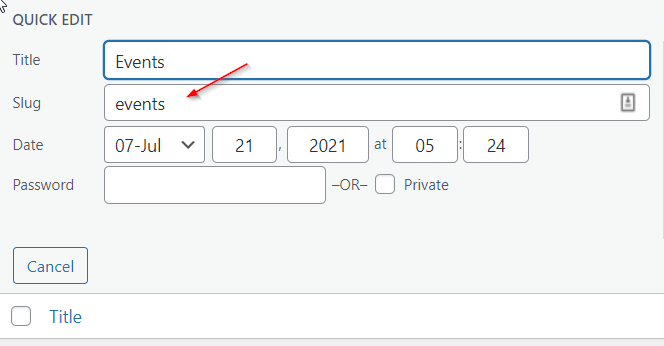
If you want to change the URL of your custom Post Type then edit it from Divi Engine > Add/Edit Post Types > Post Type > Slug. Please note that if you change this URL after adding posts you will lose the posts. The URL in my example will be the following: https://domain_name/events/.
Custom Posts URL
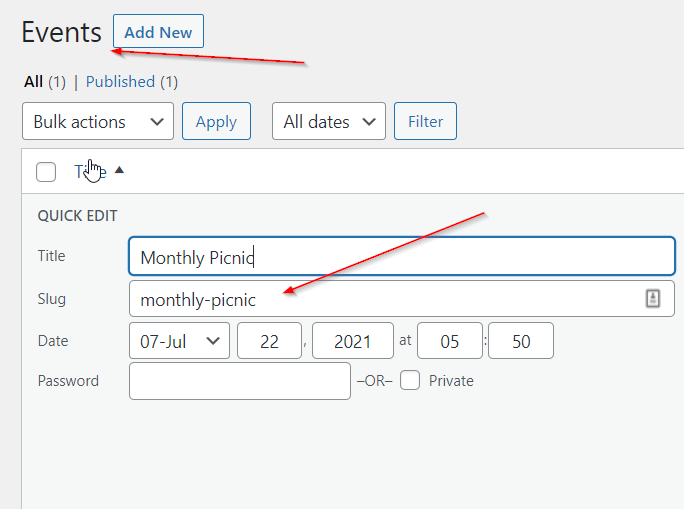
If you want to change the URL of your Custom Post then edit it from Post Type > Post > Slug. The URL in my example will be the following: https://domain_name/events/monthly-picnic.
Custom Post Type Category URL
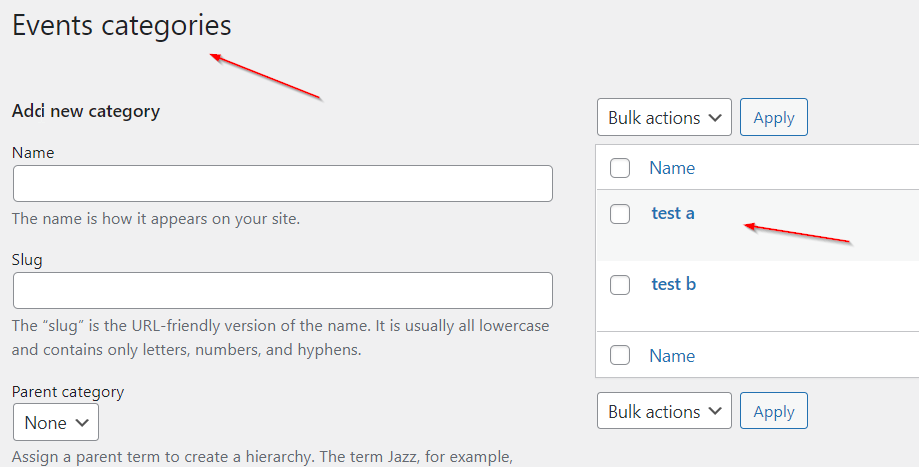
If you want to change the URL of your custom Post Type Category then edit it from Post Type > Categories > Category. The URL in my example will be the following: https://domain_name/events_category/test-a/.
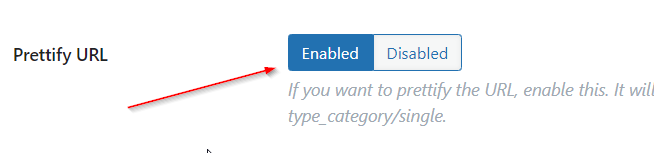
Prettify URL
If you want to Prettify custom Post Type Category URL then click the Enabled button on the Post Type page found in Divi Engine > Add/Edit Post Types. The URL in my example will be the following: https://domain_name/events/test-a/.
Custom Post Type Tag URL
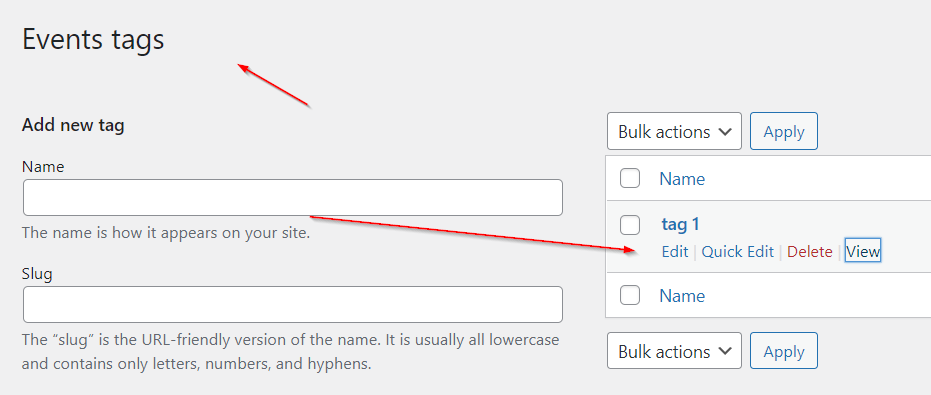
If you want to change the URL of your custom Post Type Tag then edit it from Post Type > Tags > Tag. The URL in my example will be the following: https://domain_name/events_tag/tag-1/.
Custom Post Type Taxonomies URL
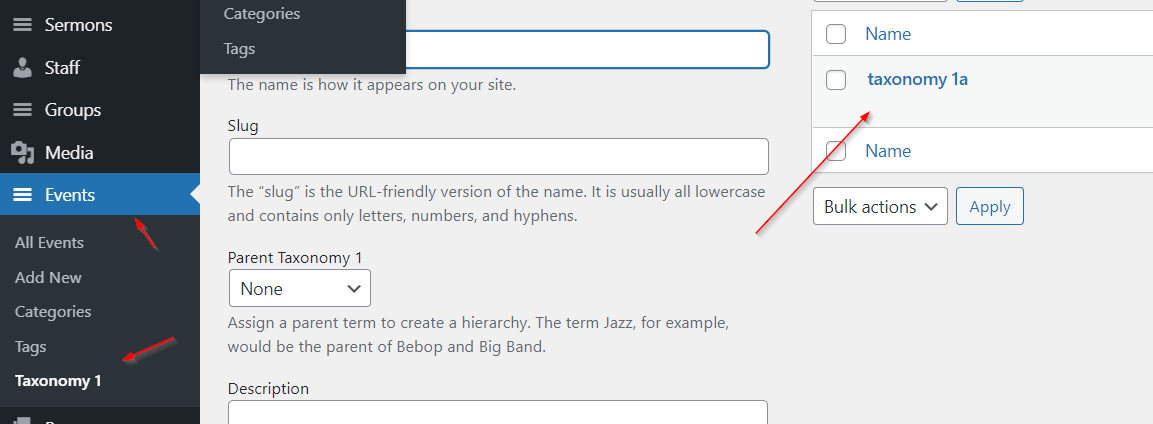
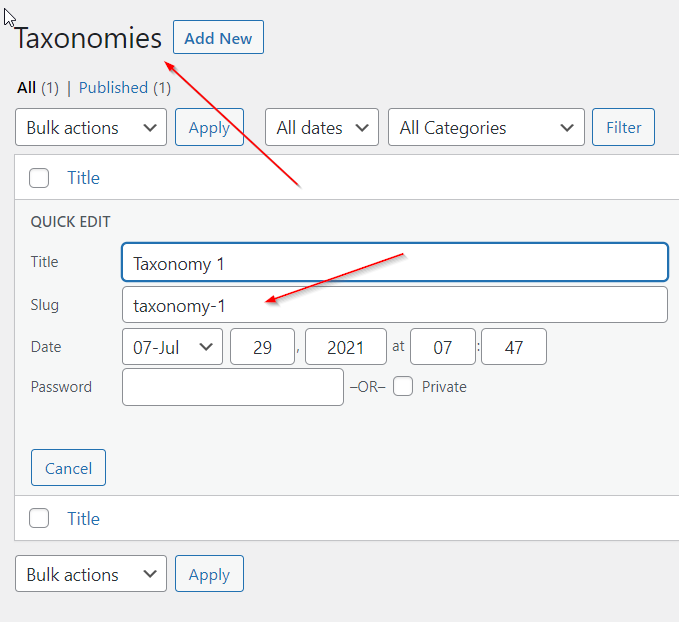
If you want to change the URL of your custom Post Type Taxonomies then edit it from Divi Engine > Add/Edit Taxonomies > Taxonomies. The URL in my example will be the following: https://domain_name/taxonomy-1/.
Custom Post Type Taxonomies Taxonomy URL
If you want to change the URL of your custom Post Type Taxonomies Taxonomy then edit it from Post Type > Custom Taxonomy > Taxonomy. The URL in my example will be the following: https://domain_name//taxonomy_1/taxonomy-1a/.