How To Add Alt Text To ACF Item Image
Introduction
Follow these steps to add alt text to your ACF Item image field.
Step 1: Add Alt Text To Image
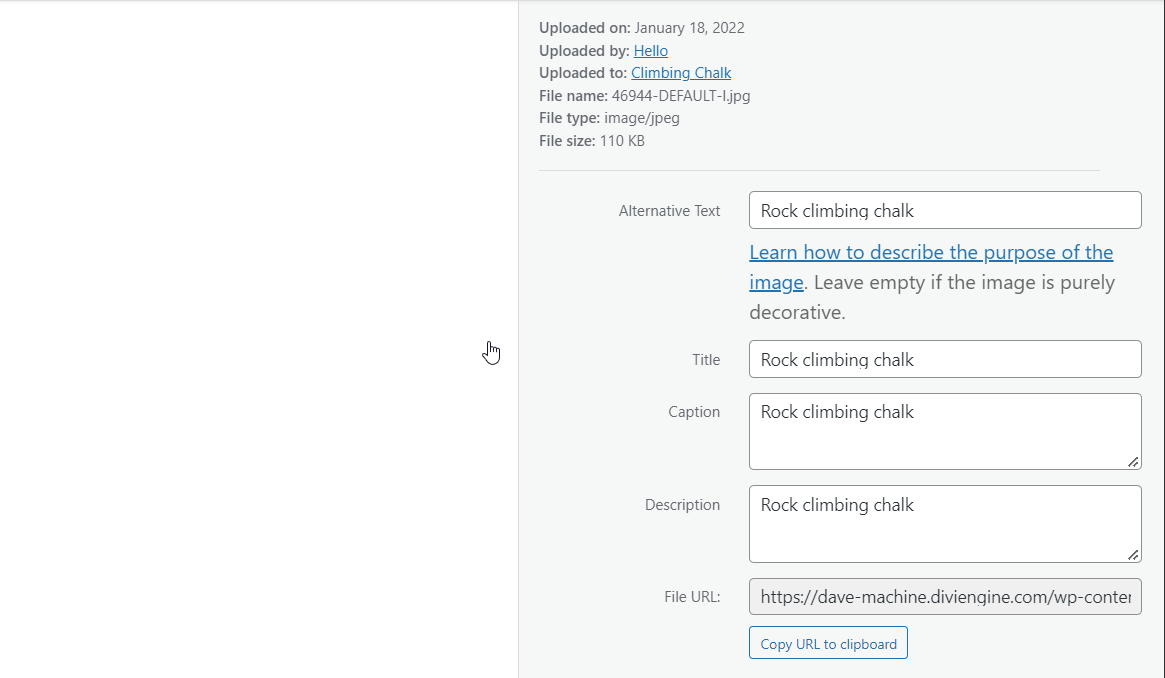
Go to the media library of your website and add Alt Text to your images.
Step 2: Create Image ACF field
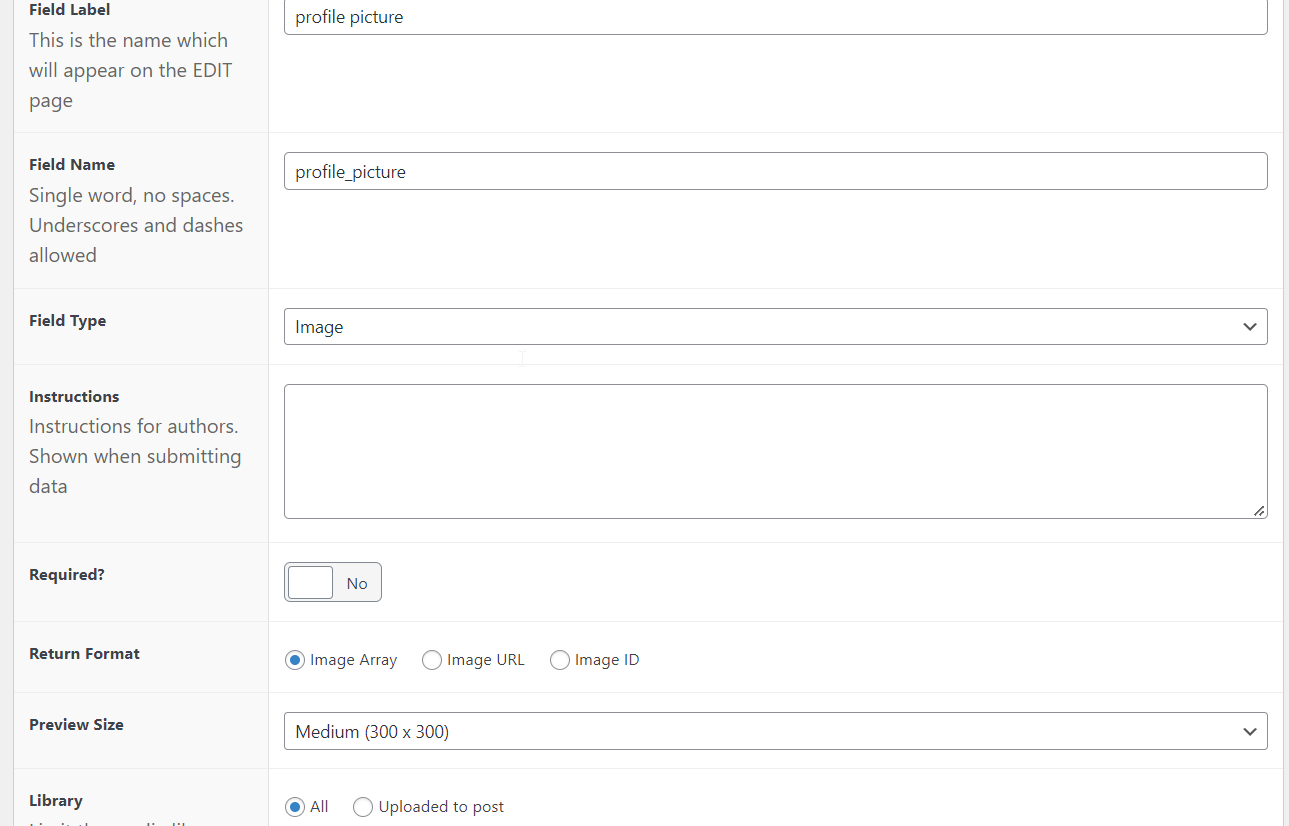
Create an ACF image field linked to the correctly Post Type and MAKE SURE to return the image as an ARRAY.
Step 3: Add ACF Item Module
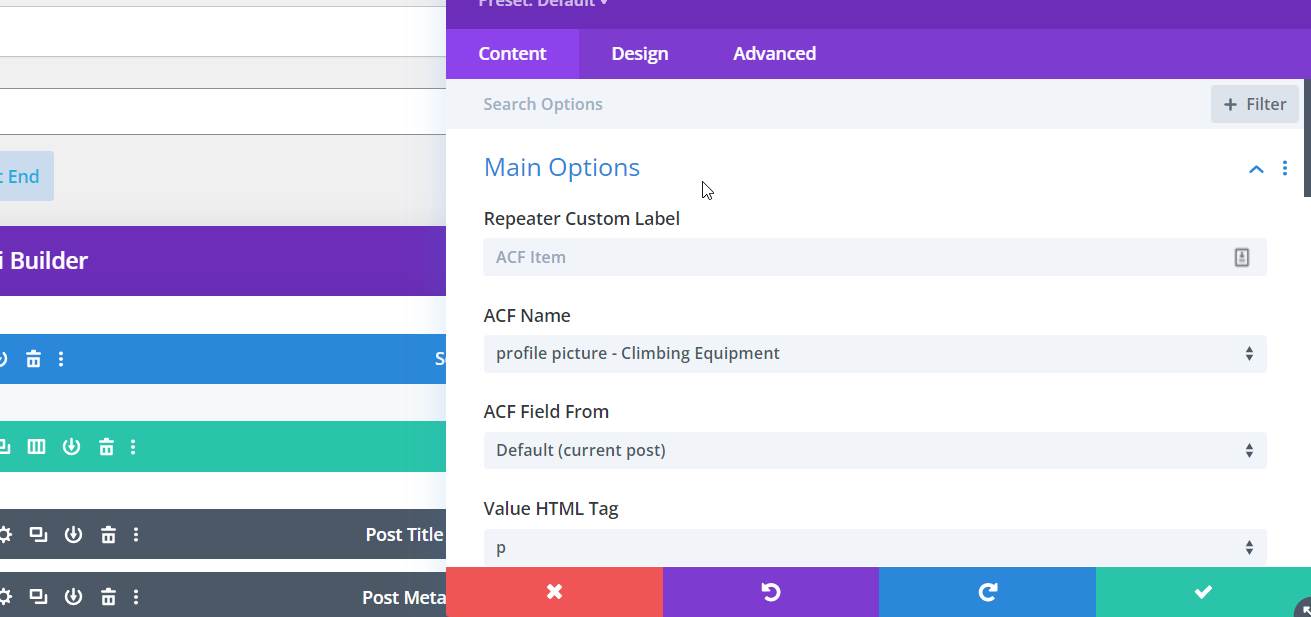
Add the ACF Item module and select the newly created image field.